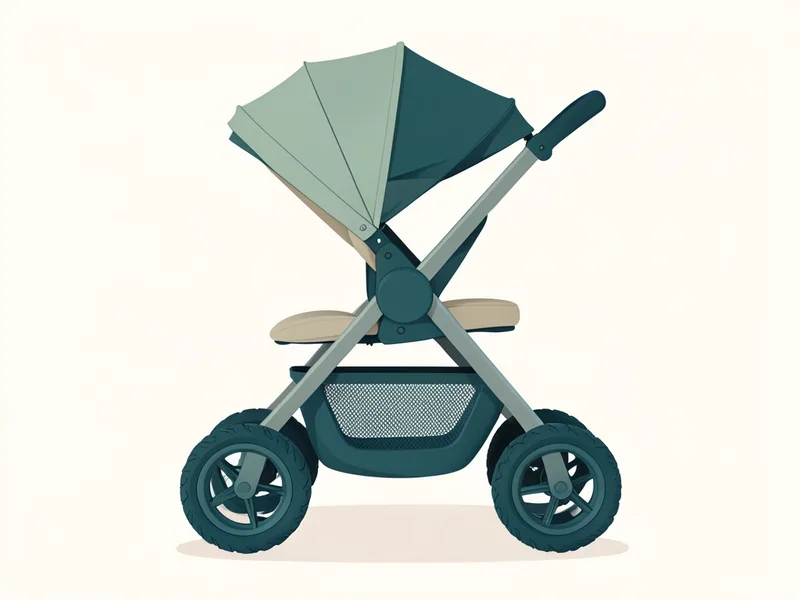
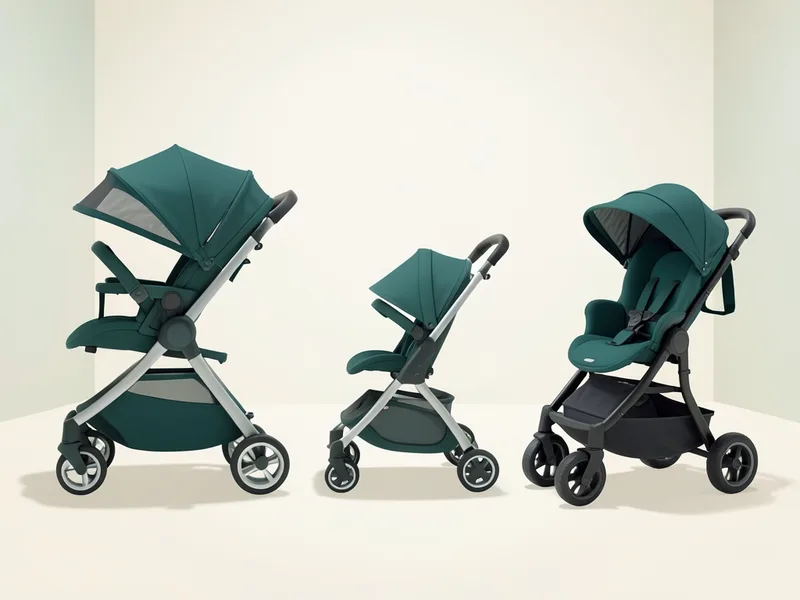
The Mockingbird Single Stroller 2.0 is a full-size stroller. It weighs 27 lb and folds to 33.5 x 25.5 x 16 in. Mockingbird points to one-hand standing fold, reversible seat, upf 50+ extendable canopy, all-wheel suspension and 4 more; the details are listed below.
Read more ↓Show less ↑
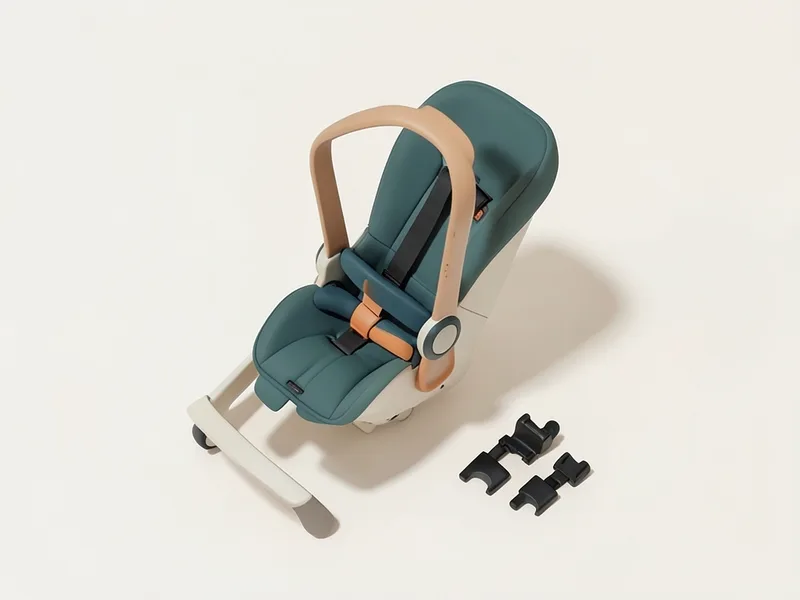
25 more seats fit with an adapter. The Mockingbird 4-in-1 car seat adapter (about $50) alone covers 10 of them. Seats from Britax, Chicco, Clek, Cybex, Graco and 3 more are on the list.
Age and weight rangeSeat from 6 months up to 50 lb or 42 in; from birth only with the insert, bassinet or car seat adapter sold separately.Mockingbird product page (archived copy)
How do I fold the Mockingbird Single Stroller 2.0?+
Press the brake pedal down until it clicks into the locked position. Close the canopy and set the seat upright, facing away from you; if the seat faces you, reverse it first. For the smallest fold, use the second most upright position. Slide the unlock tab with your thumb all the way left and hold it. …
How do I use the brake on the Mockingbird Single Stroller 2.0?+
To set the brake, press down on the bottom part of the brake lever between the rear wheels. Check it by trying to push the stroller forward and back; the wheels should not turn. …
How do I adjust the canopy on the Mockingbird Single Stroller 2.0?+
To fit it: place the back of the canopy on top of the seat and slide both canopy locks into the housings on the seat frame until they click; hook the elastic loops on each side over the recline latch. To extend it: unzip the zipper on the back of the canopy and pull the canopy until it is fully extended. …
How do I clean the Mockingbird Single Stroller 2.0?+
Small messes: spot clean the seat with a damp cloth. Deep clean: take off the canopy and child bar, thread the harness stays out through the seat, unzip the footrest and undo the velcro, then pull the fabric off over the recline latch. …
How do I adjust the handlebar on the Mockingbird Single Stroller 2.0?+
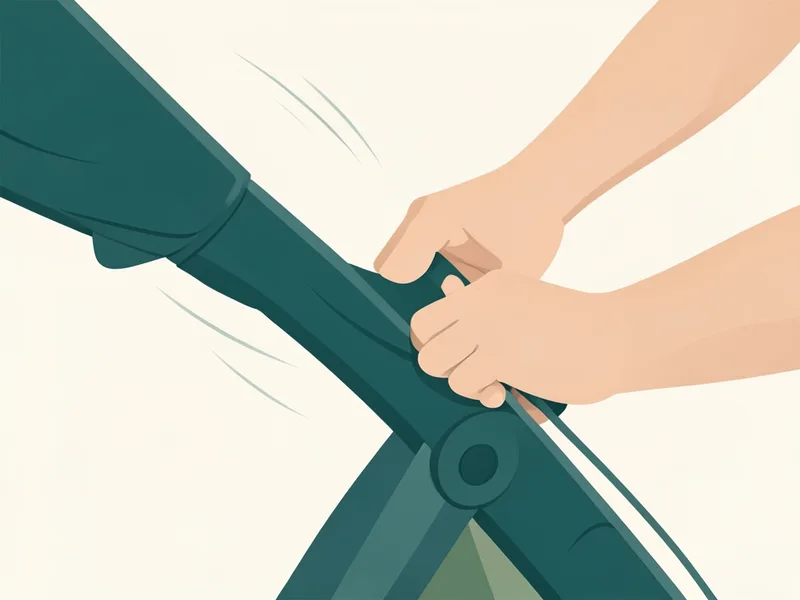
Press and hold the white buttons on both sides of the handlebar at the same time. While pressing, rotate the handlebar up or down to one of its six positions. …
How do I put the brake on and take the rear wheels off?+
To stop the stroller rolling, push the brake pedal in the middle of the rear brake bar away from you. To take a rear wheel off, press the button on the back of the wheel housing and pull the wheel outward. To put it back, push the wheel post into the housing.
To attach, push the front wheel post into the housing until it clicks and is fully locked. To remove, press the metal button on the back of the wheel housing and push inward.