Pick how you're putting it in. Each way is from the maker's manual.
Base with LATCH
Where it can go: Rear-facing only, on forward-facing vehicle seats, in a seating position the vehicle maker allows. Never on a front seat with an active airbag; not in a position with a side airbag unless the vehicle maker authorizes it. In a center seat, Cybex allows using the two inner lower anchors of the outboard seats only if they are exactly 11 in (28 cm) apart. If all load leg requirements cannot be met, choose another seat, use the base with the load leg stored, or install without the base.
1Take the Rigid LATCH out of storage and set it for use, then turn the base over and pull out the load leg.
2With the car on level ground, put the base in an approved seating position and set the recline foot so the recline indicator shows the blue zone.
3Press the button on each side of the Rigid LATCH to fully extend both connectors, then click both onto the vehicle's lower anchors and pull on them to make sure they are attached.
4Push the base firmly until it rests flat against the vehicle seat back.
5Press the load leg release button and extend the leg until its foot is firmly on the floor, locking it in the first hole that holds it firmly (lift the base slightly if needed).
6Click the car seat into the base and lift the handle to check it is attached.
7Check that the side-impact protection (L.S.P.) is being used correctly.
Check it before you drive
A green indicator shows on each release button when the Rigid LATCH connectors are attached to the lower anchors.
Grab the base at the belt path and pull side to side and front to back: it should not move more than 1 inch (2.5 cm). If needed, 'walk' the base toward the seat back by pushing toward the vehicle center until it clicks, then toward the door until it clicks again.
If the base still moves too much, try a different seating position or installation method.
After installing, the recline indicator must still be in the blue zone; if not, uninstall and adjust the recline foot, or store the recline foot and use a tightly rolled towel or pool noodle under the base near the seat back.
Retold from Cybex manual (PDF). Your vehicle's manual also says which seats have LATCH anchors. When in doubt, a certified child passenger safety technician can check your install.
The carrier on and off the base
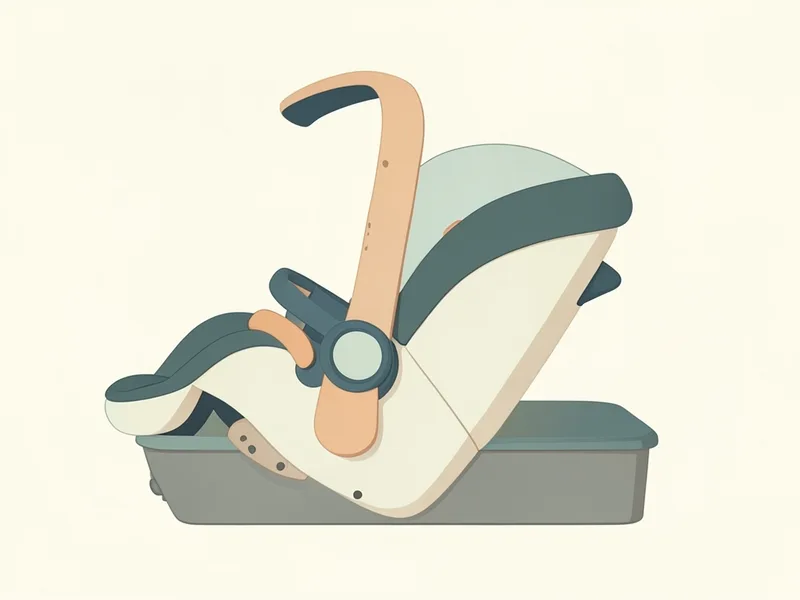
Clicking it onto the base
1Make sure the handle is locked in the carry position.
2Pick the seat up by the handle and set it onto the base until you hear a click.
3Lift up on the seat to check it is locked to the base.
The maker warns: Only lift by the handle when it is locked in the carry position; any other position could let your baby fall.
Rear-facing only, on forward-facing vehicle seats, in a seating position the vehicle maker allows. Never on a front seat with an active airbag; not in a position with a side airbag unless the vehicle maker authorizes it. In a center seat, Cybex allows using the two inner lower anchors of the outboard seats only if they are exactly 11 in (28 cm) apart. If all load leg requirements cannot be met, choose another seat, use the base with the load leg stored, or install without the base.
How do I know the Cybex Cloud T is installed right?+
A green indicator shows on each release button when the Rigid LATCH connectors are attached to the lower anchors. Grab the base at the belt path and pull side to side and front to back: it should not move more than 1 inch (2.5 cm). If needed, 'walk' the base toward the seat back by pushing toward the vehicle center until it clicks, then toward the door until it clicks again. If the base still moves too much, try a different seating position or installation method. After installing, the recline indicator must still be in the blue zone; if not, uninstall and adjust the recline foot, or store the recline foot and use a tightly rolled towel or pool noodle under the base near the seat back.