Pick how you're putting it in. Each way is from the maker's manual.
Base with LATCH
Where it can go: Rear-facing only, on forward-facing vehicle seats; never on a front seat with an active airbag. For side airbags in the rear seat, check the vehicle manual (vehicles before model year 2002: not in a side-airbag position unless the vehicle maker authorizes it). Center seat: Cybex allows the two inner lower anchors of the outboard seats only if they are exactly 11 in (28 cm) apart. Never extend the L.S.P. toward the vehicle interior or use it in the rear middle position.
1Take the Rigid LATCH out of storage and set it for use.
2Position the base on a rear vehicle seat.
3Press the two buttons on the sides of the Rigid LATCH to fully extend the connectors, then click both onto the vehicle's lower anchors and pull firmly to check.
4Adjust the leveling foot so the level indicator shows the correct range for your child's weight.
5Push the base until it rests flat against the vehicle seat back.
6If the car seat will be next to a door or panel, extend the side-impact protection (L.S.P.) on that side.
Check it before you drive
A green indicator shows on the release button when each connector is attached.
Pull the base side to side and front to back at the belt path: it should not move more than 1 inch (2.5 cm). If needed, 'walk' the base back by pushing toward the vehicle center until it clicks, then toward the door until it clicks again.
The recline must still be in the range for your child's weight (the indicator has zones for 4-20 lb and 20-35 lb); if not, remove the base, adjust and reinstall.
Retold from Cybex manual (PDF). Your vehicle's manual also says which seats have LATCH anchors. When in doubt, a certified child passenger safety technician can check your install.
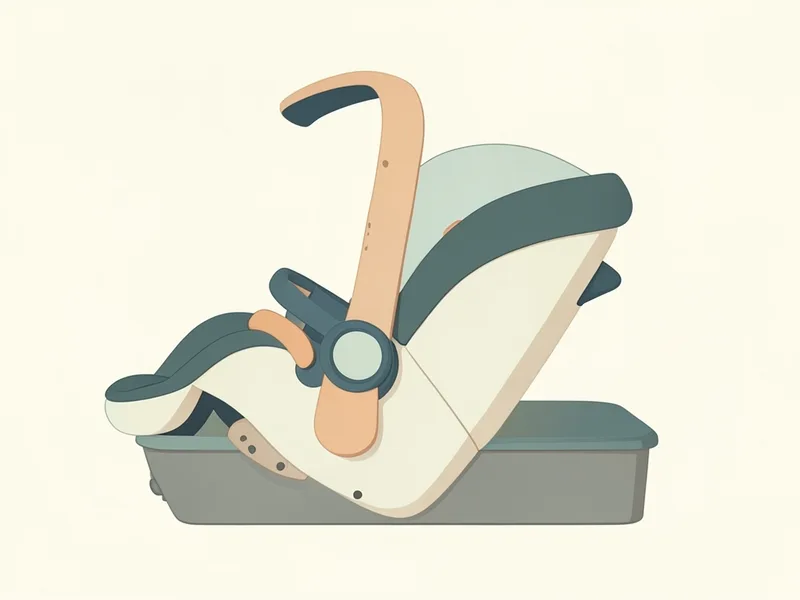
The carrier on and off the base
Clicking it onto the base
1Make sure the handle is locked.
2Lift the carrier by the handle and tip the front end down onto the base.
3Press the carrier onto the base until you hear a click.
4Lift up on the carrier to check it is locked on.
5If the carrier sits next to a car door or side panel, pull out the side impact protector (L.S.P.) on that side.
The maker warns: Always keep the handle locked while the seat is used in a car.
Rear-facing only, on forward-facing vehicle seats; never on a front seat with an active airbag. For side airbags in the rear seat, check the vehicle manual (vehicles before model year 2002: not in a side-airbag position unless the vehicle maker authorizes it). Center seat: Cybex allows the two inner lower anchors of the outboard seats only if they are exactly 11 in (28 cm) apart. Never extend the L.S.P. toward the vehicle interior or use it in the rear middle position.
How do I know the Cybex Cloud G is installed right?+
A green indicator shows on the release button when each connector is attached. Pull the base side to side and front to back at the belt path: it should not move more than 1 inch (2.5 cm). If needed, 'walk' the base back by pushing toward the vehicle center until it clicks, then toward the door until it clicks again. The recline must still be in the range for your child's weight (the indicator has zones for 4-20 lb and 20-35 lb); if not, remove the base, adjust and reinstall.
When do I use or remove the Cybex Cloud G infant insert?+
Use the infant insert for smaller babies to get a better harness fit and more support for the body. Cybex suggests keeping it in until about 11 lb or about 3 months.